
Feature
Chrome extension for faster answers
The Chrome extension shows new and unanswered tickets in the browser toolbar and opens the conversation in one click, so support does not need a permanently open tab.
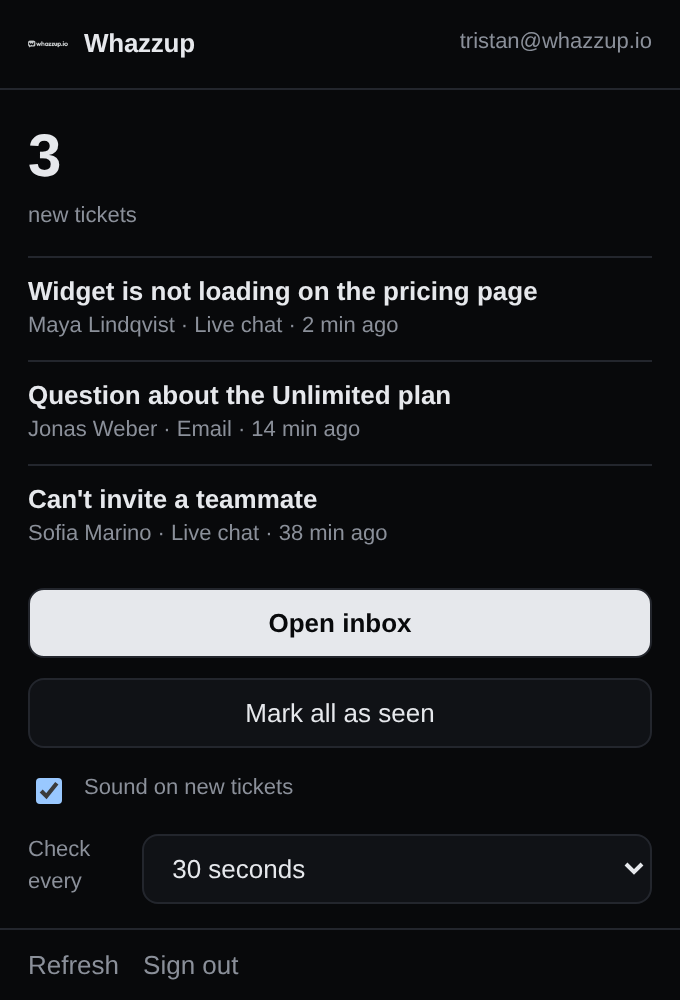
Key points
- Unanswered count in the toolbar.
- One click into the conversation.
- Works with the same roles and permissions as the web app.
At a glance
- Included in Free
- Yes
- Browser
- Chrome and Chromium-based browsers
- Setup time
- About a minute
Set it up in three steps
- 1Install the extension from the Chrome Web Store.
- 2Sign in with your Whazzup account.
- 3Pin it to the toolbar to see new tickets.
Frequently asked questions
Do I need the extension?
No. It is a convenience layer on top of the web app.
More features
- Shared inbox for chat and email
- Live chat widget for your website
- Knowledge base and help center
- Screen sharing support without downloads
- Email ticketing that stays in the thread
- Customer feedback and support ratings
- Product ideas board inside your widget
- Support reports and response times
- Teams, roles and permissions