
Feature
Email ticketing that stays in the thread
Email ticketing means every outgoing notification carries a ticket-specific reply address, so a customer's email answer lands back in the same conversation instead of a separate mailbox.
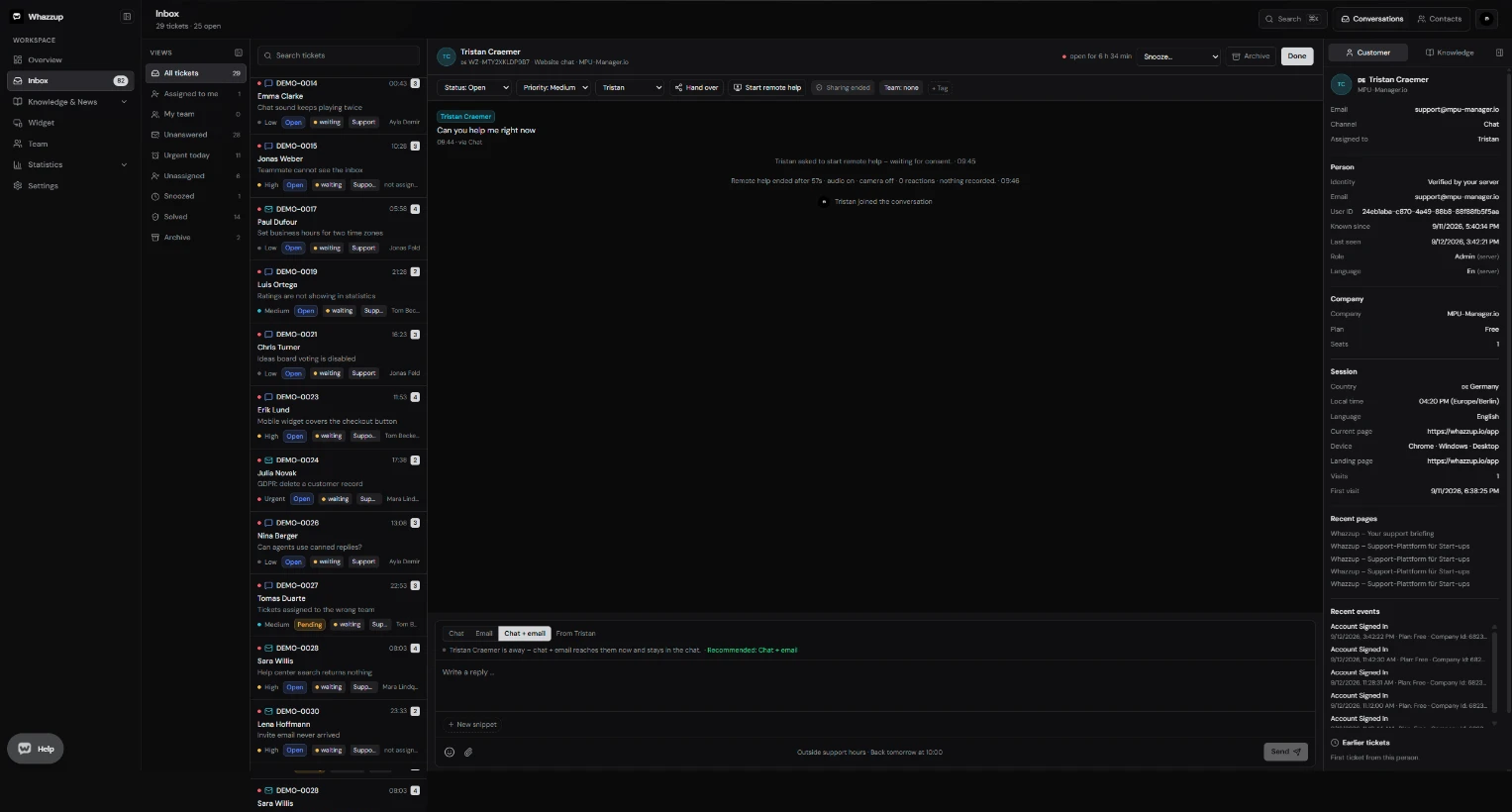
Key points
- Customer replies reopen solved tickets automatically.
- Delivery problems such as bounces are visible on the contact.
- Branded emails with your sender name, logo and signature.
- A public ticket page lets customers read the thread without an account.
- Support aliases hide real agent names from customers when you want that.
At a glance
- Included in Free
- Yes, sending and receiving
- Own sending domain
- Unlimited plan
- Threading
- Reply token per ticket
- Setup time
- Works immediately, domain setup optional
- Languages
- English and German, switchable per user
Set it up in three steps
- 1Set your sender name and signature under Settings.
- 2Answer a ticket by email from the same composer as chat.
- 3On Unlimited, verify your own domain for outgoing mail.
Frequently asked questions
Do I need a separate helpdesk mailbox?
No. Whazzup handles sending and receiving; a forward from your own address is optional.
What happens to an email that cannot be parsed?
It is logged and reported as a failure instead of being silently dropped.
More features
- Shared inbox for chat and email
- Live chat widget for your website
- Knowledge base and help center
- Screen sharing support without downloads
- Customer feedback and support ratings
- Product ideas board inside your widget
- Support reports and response times
- Teams, roles and permissions
- Chrome extension for faster answers